Browser outdated soft block
What Is This Feature?
The outdated browser soft block feature is designed to block users when they are using a web browser that does not meet our minimum browser version requirements. This block encourages users to upgrade to a more recent version of their browser for a better and more secure browsing experience.
Users encountering an outdated browser will see the following screen:
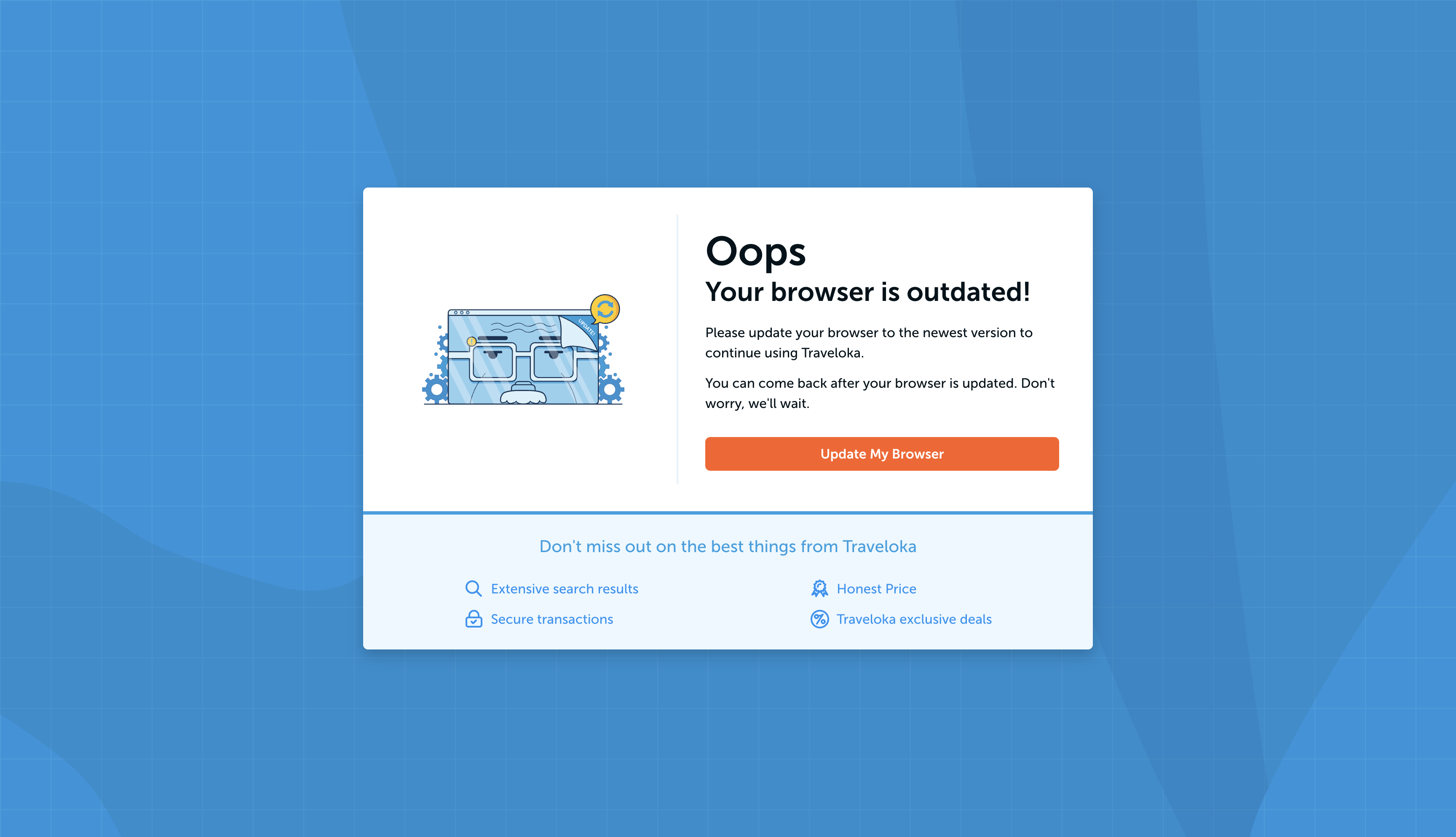
Why We Need This Feature?
-
Compatibility: Many legacy features still rely on specific browser versions due to the use of functions, utilities, or browser APIs that become available starting from certain versions. Those features may depend on logic available only in the latest browser versions. Ensuring browser updates helps prevent users from encountering errors due to unsupported browser versions, contributing to a better user experience.
-
Performance: Newer browser versions often come with performance improvements, ensuring a smoother and faster user experience.
How We Implement It?
The appearance of the outdated browser is configured in the packages/core/errors/components/OutdatedBrowserScreen.tsx component, leveraging the UnifiedErrorRenderer component. This component supports language translation in both en and id. Essentially, the outdated browser soft block feature adds the OUTDATED_BROWSER type to the UnifiedErrorLazyPage.
Browser version checking is performed using the ua-parser-js library configured in the packages/core/utils/GetBrowserInfo.ts file. The utility checks whether the used browser meets the minimum requirements or not. The minimum requirements are set in the lines:
const minVersion: Readonly<MinVersion> = Object.freeze({
  ie: 10,
  firefox: 29,
  opera: 13,
  chrome: 22,
  safari: 5,
});
For unknown browser names or unknown versions, their compatibility is set to true by default.
As of now, the required minimum versions are significantly ahead of the current browser versions, making it rare for users to encounter the outdated browser page.
Simulating the Outdated Browser Page
If you wish to simulate the appearance of the outdated browser page, use the following user agent:
Mozilla/5.0 (compatible; MSIE 9.0; Windows NT 6.1; Trident/5.0)